When it comes to setting up LED screens for events or projects, one of the first questions that arise is: how do we calculate the resolution of the LED screen panels? The clarity and detail of your display depend heavily on this calculation. At GLOSHINE, we know how important it is to understand the resolution of your LED screen to ensure it delivers the best viewing experience possible. In this article, we’ll break down the essential steps for calculating the resolution of LED screens, including factors like pixel pitch and screen size.
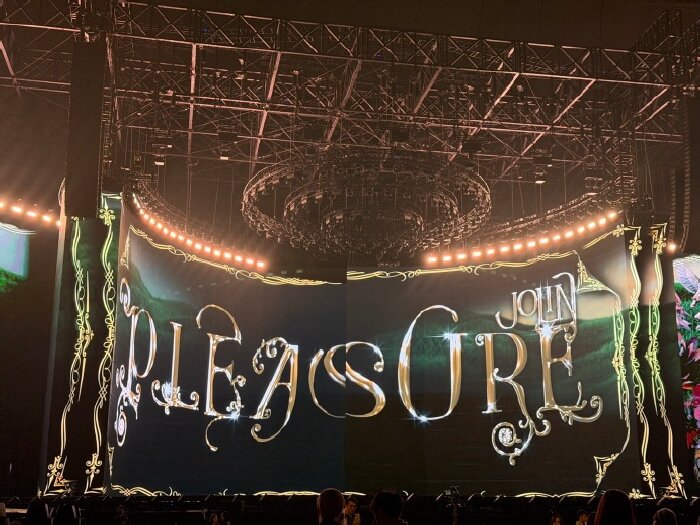
Pixel Pitch: The Key to Defining Resolution
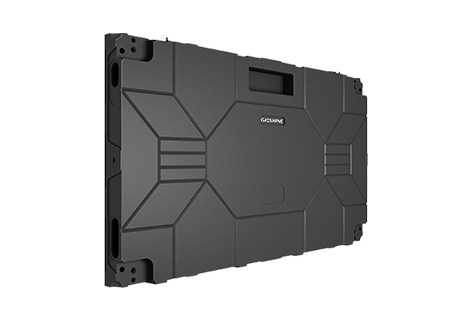
To start, let’s talk about the term "pixel pitch." Pixel pitch refers to the distance between the centers of two adjacent pixels on an LED screen panel. This is crucial because the smaller the pixel pitch, the more pixels are packed into a given area, resulting in a higher resolution. For example, the GLOSHINE MV Pro series offers pixel pitches ranging from 1.9mm to 3.9mm, providing a range of options depending on the level of detail and the viewing distance you require. The smaller the pixel pitch, the more vivid and detailed your display will be, which is especially important for studio settings or virtual productions.
Screen Size and Resolution Calculation
Next, let's explore how screen size factors into the resolution calculation. The screen’s physical dimensions directly affect how many pixels fit into the display, which ultimately impacts the resolution. For instance, if you’re working with a 100-inch LED screen and you know the pixel pitch, you can calculate the number of pixels that will fit across the width and height. For example, if you have an LED screen panel with a 2.5mm pixel pitch, and you’re working with a 4m wide screen, you can estimate how many pixels you will have across the entire width. At GLOSHINE, we offer flexible designs, allowing our LED screens to adapt to creative curved setups without losing clarity.
Refresh Rate and Bit Depth
Another important aspect to consider is the refresh rate and bit depth of your LED screen panel. The refresh rate (measured in Hz) determines how often the image is refreshed per second. A high refresh rate (like ≥3840Hz, which is available in the GLOSHINE MV Pro series) results in smoother motion and better clarity, which is essential for applications like live broadcasting or virtual reality. Additionally, the bit depth (like the 16-bit grayscale in our LED screens) influences the color richness and gradation, providing more realistic images. These factors, combined with the pixel pitch and screen size, allow us to achieve cinematic-quality outputs for any setup.
Conclusion
Calculating the resolution of an LED screen panel is not just about the pixel count; it’s about understanding how pixel pitch, screen size, and refresh rates work together to create a detailed, vibrant image. At GLOSHINE, we design LED screens like the MV Pro series to be versatile and user-friendly, ensuring that every installation provides maximum visual impact. By considering all these factors, we help our clients achieve the optimal resolution for their displays, whether they’re used in a studio, on stage, or for virtual productions


 cn
cn en
en es
es ru
ru pt
pt